最近需要开发一个在线的IDE,毫无疑问肯定选择了 monaco-editor (vscode的网页版);因为官方宣传的是: The Monaco Editor is the fully featured code editor from VS Code. 但是在使用过程中发现,语法规则和高亮效果不如vscode,并且还想把vscode中的一些比较好看的主题也添加进去。以为vscode的主题和语法配置文件可以直接使用在monaco-editor上,后来查了下资料,并不是这样的。
因为但是这都是什么年代了,Who Care IE ~~ 所以我就要用使用和Vscode一样的配置,好在官方也给了解决方案,monaco-tm; 不过这只是一个代码案例,并不是一个可以直接使用的NPM库,于是在通读了这个案例的代码之后,决定将这个封装成一个通用的库,并且包含了编辑器的loader(monaco-editor使用方式很多,有的还需要webpack插件),目的是为了更简单的使用monaco-editor; 代码的实现也很简答,就不多说啦~ 使用方式: import MonacoProvider from 'monaco-editor-with-textmate';const instance = new MonacoProvider(); await instance.loadMonaco({ language: 'typescript', value: 'export default {}', }); // get editor instance const editor = instance.getEditor(); // get monaco instance const monaco = instance.getMonaco(); // get editor element const element = instance.getEditorElement(); // render to html document.getElementById('container')?.appendChild(element); 效果如下:内置是比较喜欢的 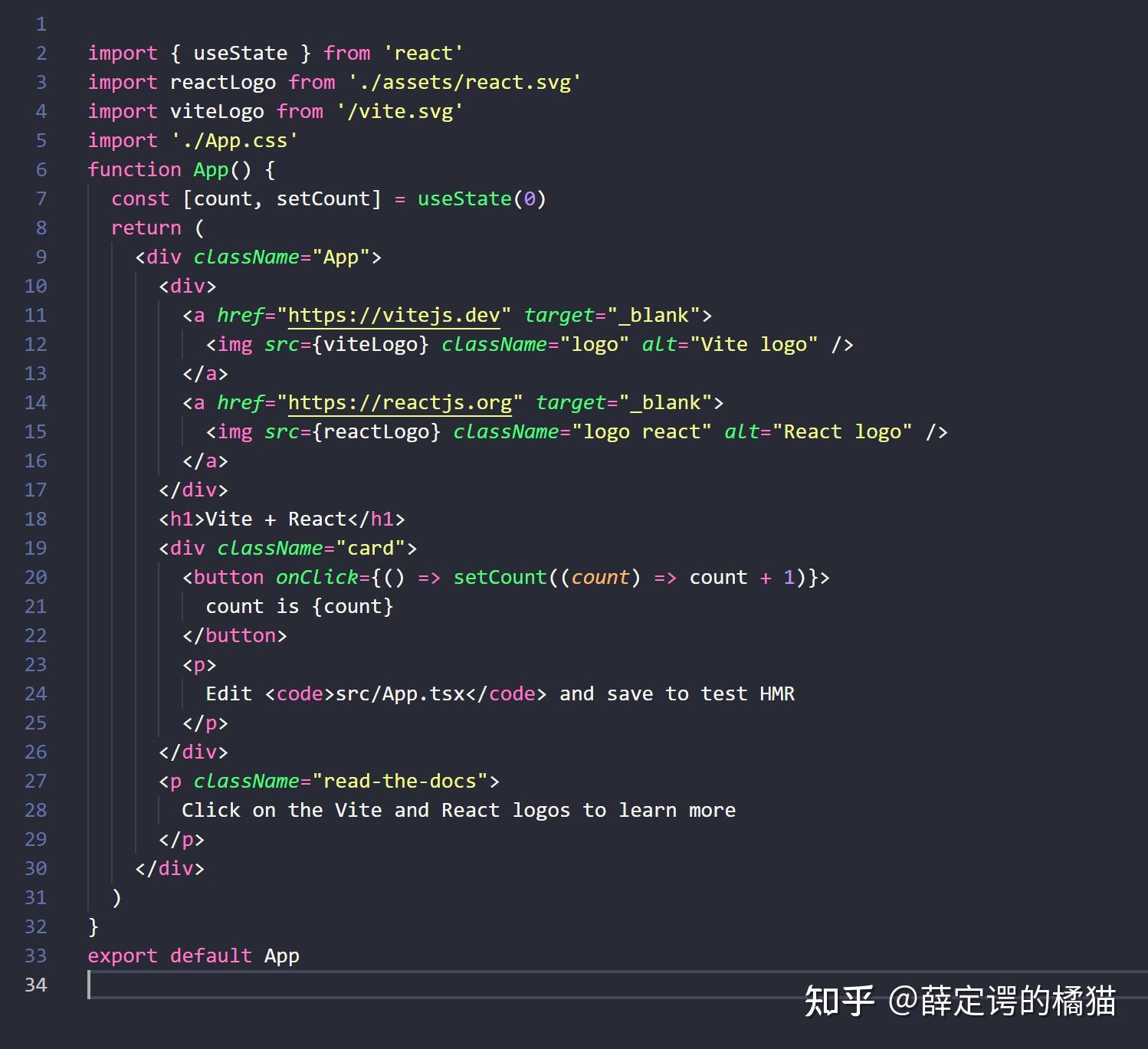 效果截图 如果想要自定义主题的话,可以把vscode里面的主题文件配置拿过来就可以了; |

 万奢网手机版
官网微博:万奢网服务平台